
Quick Overview: Check-in Standards for 2026
Employee check-in standards in 2026 focus on frictionless integration between physical presence and digital compliance frameworks. High-performing organisations are increasingly moving toward automated, cloud-based systems to improve data accuracy and reduce administrative burden. These standards prioritise real-time visibility, automated payroll synchronisation, and rigorous adherence to UK health and safety regulations.
The Evolution of Workplace Accountability: Why 2026 is Different
The landscape of workplace accountability in 2026 is defined by the permanent shift toward decentralised operations and strict regulatory oversight. Traditional manual logs struggle to meet the "duty of care" requirements established under the Health and Safety at Work Act 1974. Organisations now require granular data to manage safety protocols effectively across diverse, often hazardous, work environments.
According to 7 UK Health and Safety Trends to Prepare for in 2026, the convergence of IoT and safety software is increasingly important for businesses looking to remain compliant. Companies that fail to adopt digital tracking face greater scrutiny during HSE inspections. This evolution is not just about tracking hours; it is about creating a "safety-first" culture where employee well-being is verifiable through real-time data streams.
The Strategic Advantages of Digital Employee Sign-In Software
Digital employee sign-in software provides a centralised source of truth for workforce management, eliminating the errors associated with manual entry. By implementing digital tools, HR departments can significantly reduce time spent on attendance reconciliation. Furthermore, these systems offer robust data encryption, ensuring that sensitive employee information remains secure against emerging cyber threats.
Beyond simple time-tracking, The Ultimate Guide to Employee Check-ins highlights how digital systems foster a culture of transparency and feedback. When integrated properly, these tools serve as the first point of contact for employee sentiment analysis and safety reporting.
Manual Paper Logs
- Real-Time Visibility: None
- Payroll Integration: Manual Export
- Emergency Alerts: No
- User Experience: Poor
Legacy Digital Systems
- Real-Time Visibility: Delayed
- Payroll Integration: API Required
- Emergency Alerts: Basic
- User Experience: Average
Modern Cloud-Based Systems
- Real-Time Visibility: Instantaneous
- Payroll Integration: Native Automation
- Emergency Alerts: AI-Predictive
- User Experience: High (Mobile-First)
Managing Office Capacity and Hybrid Workforces in 2026
The best way to manage office capacity in 2026 involves utilising predictive analytics within your check-in system to balance desk availability with employee demand. "Hot-desking" typically only succeeds when supported by a robust check-in tool that provides live occupancy maps. This prevents overcrowding and ensures that building managers can optimise energy usage based on actual floor-level traffic.
To support employee check-in systems for hybrid workforces, businesses should prioritise tools that bridge the gap between home and office. Key capabilities include:
- Geofencing capabilities: Automatically prompting check-ins when a worker enters a specific zone.
- Resource Booking: Allowing employees to reserve desks or lockers during the sign-in process.
- Capacity Thresholds: Automated alerts sent to facilities managers when capacity reaches predefined limits.
How to Implement an Automated Employee Check-in System
Implementing an automated employee check-in system requires a phased approach that prioritises hardware compatibility and staff training. Many implementation challenges stem from poor user onboarding rather than technical limitations. To succeed, businesses must audit their existing IT infrastructure and ensure that new software integrates seamlessly with current payroll and HRIS platforms.
While the technical setup is vital, How to Conduct an Employee Check-in Meeting suggests that the human side of implementation is equally important. Managers must clearly communicate why the system is being used—emphasising safety and efficiency rather than surveillance—to gain employee buy-in.
Implementation steps:
- Audit Needs: Identify if you require lone worker features, visitor management, or just attendance tracking.
- Select Software: Prioritise cloud-based solutions with high uptime and UK-based support.
- Hardware Deployment: Install tablets at entry points and ensure the Lone Worker App is installed on mobile devices.
- Integration: Connect the system to your payroll to automate time-and-attendance tracking.
Safety-First: Lone Worker Protection and Mobile Check-ins
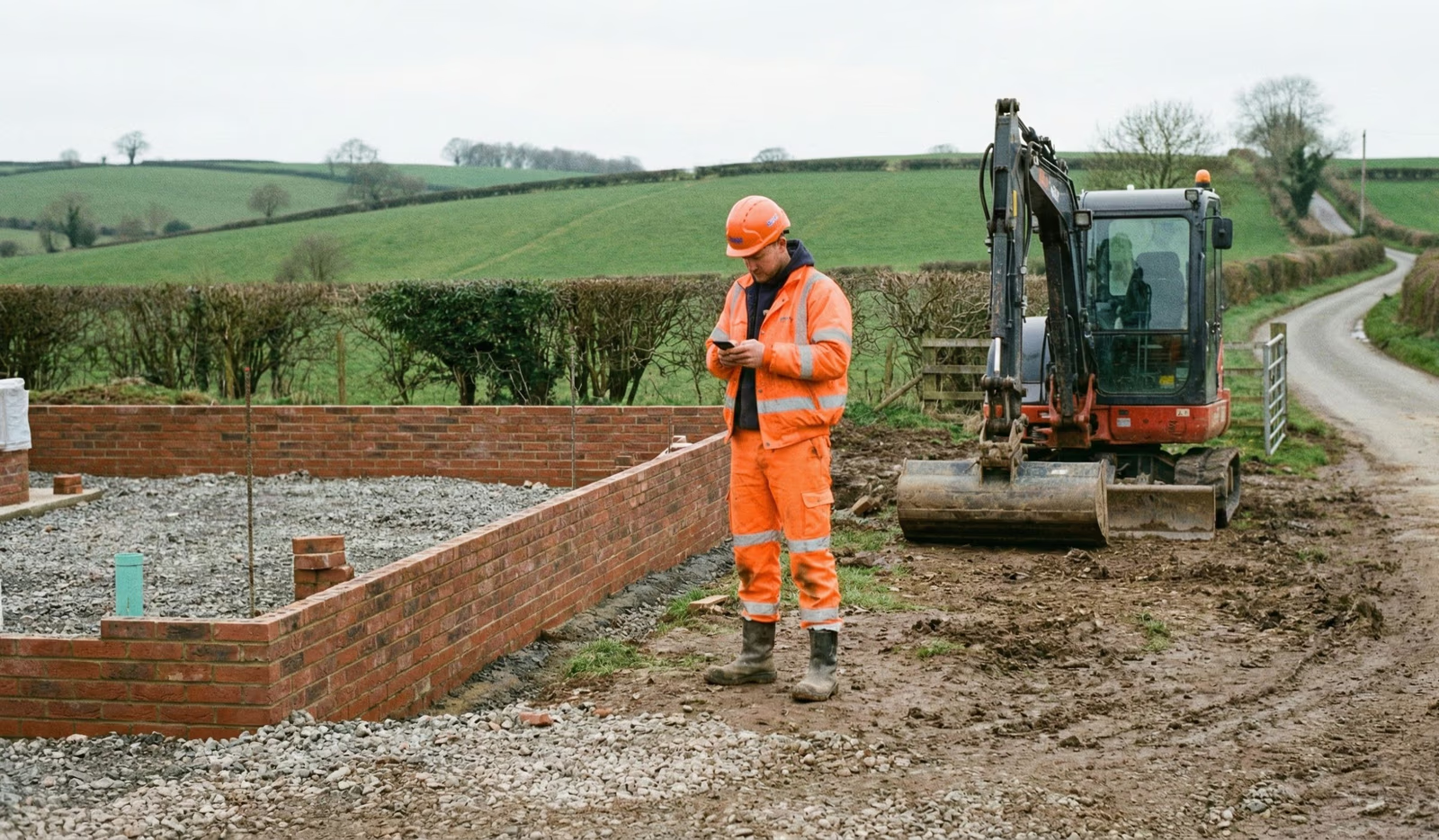
In 2026, protecting lone workers is a legal and ethical imperative that requires specialised mobile check-in functionality. Workers in sectors such as healthcare, construction, and field services face unique risks that static check-in kiosks cannot address. Mobile apps now include "man-down" detection and timed intervals that require active confirmation, ensuring help is dispatched if a worker fails to respond.
The use of lone worker call checks provides an essential layer of protection, particularly for those working in remote areas or outside standard hours. Systems that adhere to the BS 8484 standard—the British Standard for lone worker device services—provide faster emergency response times by connecting directly to Alarm Receiving Centres (ARCs) with police response capabilities.
Contactless Solutions: Unifying Visitors and Staff
Contactless visitor management and employee check-in solutions have become increasingly common for UK enterprises seeking to minimise health risks and friction. QR-code-based entries are replacing physical badges in many newly designed smart buildings. This unified approach allows facilities managers to see exactly who is in the building—staff or visitor—through a single, integrated dashboard.
According to Employee Check-in Systems: What They Are & Why You Need One, a unified lobby experience improves the "first impression" for visitors while streamlining the workflow for reception staff. These systems have evolved to include automated NDAs and health screening questions that must be completed before access is granted.
Beyond the Dashboard: AI, Predictive Safety, and the Human Element
The next generation of employee check-in systems will leverage AI to move from reactive tracking to predictive safety modelling. Systems capable of analysing historical check-in data can identify patterns that may indicate fatigue-related risks. For example, if an employee's check-in times become erratic, the system can flag this to a manager as a potential burnout or safety concern worth investigating.
To improve employee experience with digital check-in tools, it is crucial to maintain the "human element." AI should be used to remove administrative burdens, not to replace management interaction. Consider using the data gathered during check-ins to inform one-to-one meetings, allowing for more meaningful conversations about workload and well-being.
Frequently Asked Questions
What are the best practices for employee check-ins in 2026?
Best practices include using mobile-first platforms, integrating with payroll for accuracy, ensuring compliance with BS 8484 for lone workers, and using data to manage office capacity dynamically.
How often should managers check in with their employees?
While the digital system handles the "logistics" of daily presence, weekly or bi-weekly face-to-face check-ins to discuss performance and well-being are recommended, using the system's data as a baseline for conversation.
What is the best way to track employee attendance with mobile check-in apps?
Effective methods include using geofencing combined with biometric verification (fingerprint or face ID) on the employee's smartphone to ensure they are at the correct job site.
Challenges and Alternatives to Consider
Despite the benefits, implementing these systems is not without hurdles. "Tech fatigue" is a growing concern, where employees feel overwhelmed by the number of apps required to perform their jobs. Furthermore, privacy concerns regarding GPS tracking remain a sensitive topic. Organisations must be transparent about data usage and ensure they are compliant with UK GDPR regulations.
Alternatives like low-frequency Bluetooth beacons can be used for indoor tracking where GPS is unreliable, though they require more hardware investment. Ultimately, the choice of system must align with the specific risk profile of the business.
Securing Your Future Workforce with Vatix
As we look toward the remainder of 2026 and beyond, the role of technology in keeping workers safe will only grow. At Vatix, we provide the tools you need to streamline operations and protect your most valuable asset: your people. Our integrated platform offers everything from lone worker protection to comprehensive visitor management.
Ready to upgrade your workplace safety? Get a Demo today and see how Vatix can transform your check-in process into a strategic advantage.